What’s new? v4.39. Project portfolio and electronic signature

Discover the improvements we’ve added in each release to make Iurefficient a more powerful, smarter and more secure tool for your professional practice. v4.39.0 — Your portfolio decides with data: project weighting and Electronic Signature Which project should the team be on this week? The new Portfolio (button in Projects) answers with numbers: each active project…
Discover the improvements we’ve added in each release to make Iurefficient a more powerful, smarter and more secure tool for your professional practice.
v4.39.0 — Your portfolio decides with data: project weighting and Electronic Signature
Which project should the team be on this week? The new Portfolio (button in Projects) answers with numbers: each active project receives a score from 0 to 100 that combines its priority, its criticality (the impact of not doing it) and its strategic alignment, with weights the administrator adjusts to your organization’s reality. The table comes sorted from highest to lowest score, with the breakdown on hover — and evaluating a project is literally one click: five points for criticality, five for strategy, right in the table. What you haven’t evaluated doesn’t penalize the project (it’s marked as a partial evaluation), so you can adopt it gradually. The score also appears on each project’s record.
Weighting and balancing, together where they belong. The workload heat map from the previous release now lives as the second tab of the same Portfolio: first you decide what matters (weighting), then you see who has free hands to do it (balancing). Old links redirect automatically.
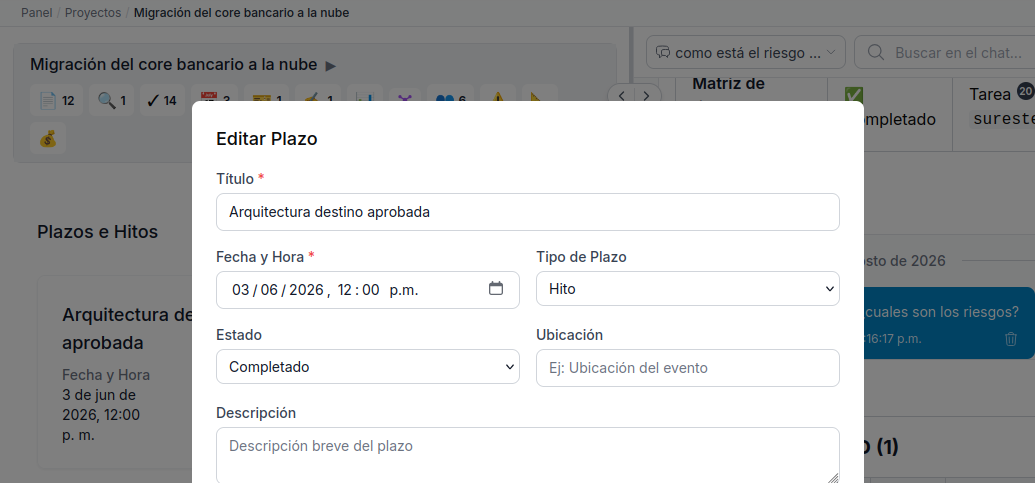
Electronic Signature comes to the platform (new plugin, enabled per organization). Send any document in the case file for signature and receive it signed as a new version of the same document:
- With official providers: Mifiel — each signer signs with their own SAT e.firma and the document comes back with its NOM-151 preservation certificate (the Mexican evidentiary standard) — or DocuSign for international signers. Word files are converted to PDF automatically; you choose the signers and the order, the platform notifies them by email and shows you who’s still missing.
- Internal approvals, with no provider and at no cost: does the PM need management to approve the proposal before sending it? Create an internal request: each approver gets the notice, reviews the exact document and confirms by typing their password (and their two-factor code if they use one). Once complete, the PDF returns to the case file with an approval sheet — who, when, by what method and the document’s digital fingerprint — and a complete log of the process. It can also be rejected with a reason, and there’s a “To sign (me)” inbox.
When you update, the migration runs automatically. Electronic Signature is enabled per organization from plugin administration; internal approvals work immediately, while official providers require registering your account credentials.
¿Quieres ver Iurefficient en acción?
Agenda una demostración o empieza tu prueba gratuita hoy mismo.
Solicitar demo