What’s new? v4.41. Signing in your project. Tax and CRM improvements

v4.41.0 — Signing lives in the project, the tax module understands your payroll and the CRM tells you who you already know Signing a document is part of the project, not a separate formality. From the menu of any document, “✍️ Send for signature” appears, with the document and project already selected. The project dashboard debuts…
v4.41.0 — Signing lives in the project, the tax module understands your payroll and the CRM tells you who you already know
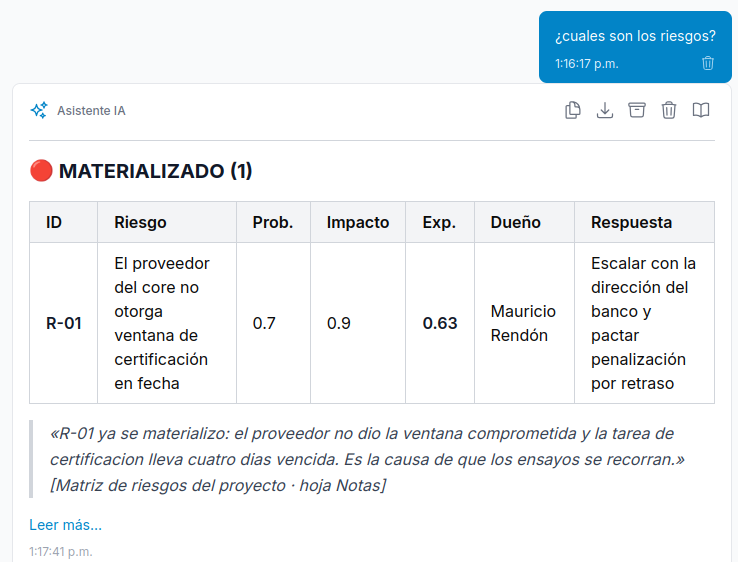
Signing a document is part of the project, not a separate formality. From the menu of any document, “✍️ Send for signature” appears, with the document and project already selected. The project dashboard debuts a “Signatures” chip and tab showing the progress of each request, and when you send it a task with one subtask per signer is created, and the subtasks complete themselves as each person signs (the task date is the actual signing date). The bell notification takes you straight to the signing screen.
The tax module now knows your payroll is income. A payroll receipt you receive is no longer counted as an expense: it has its own badge and a “Payroll received” card in the monthly summary (for information only; it never goes into deductions). There’s also a new CFDI search (by UUID, RFC, issuer/recipient or line item) and partial deductibility: you adjust the deductible percentage of an invoice —for example, rent according to its use— and it becomes a permanent rule for that taxpayer that applies backward and forward to all invoices from that issuer, even if they change the description every month.
The CRM shows you who you already know. OSINT now saves everything it finds about a lead —sources, website, social media, references— and if the lead already exists in your system (as a client or contact), their record shows the “📁 Already in the system” panel: their projects, tasks, documents, contacts and related people, with a direct link to each one.
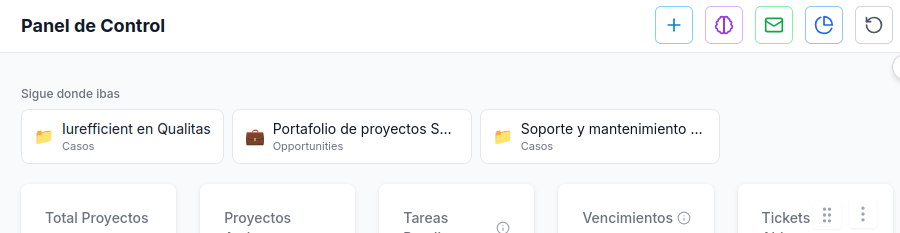
The project dashboard, tailored to you. In Edit project you can hide the sections that project doesn’t need (Budget, Tickets, Analysis, Graph, Memory, Members); documents and tasks always remain visible. And on mobile, the main dashboard indicators now fit two per row.
When you update, migrations run on their own. E-Signature is enabled per organization; the tax and CRM settings work right away.
¿Quieres ver Iurefficient en acción?
Agenda una demostración o empieza tu prueba gratuita hoy mismo.
Solicitar demo